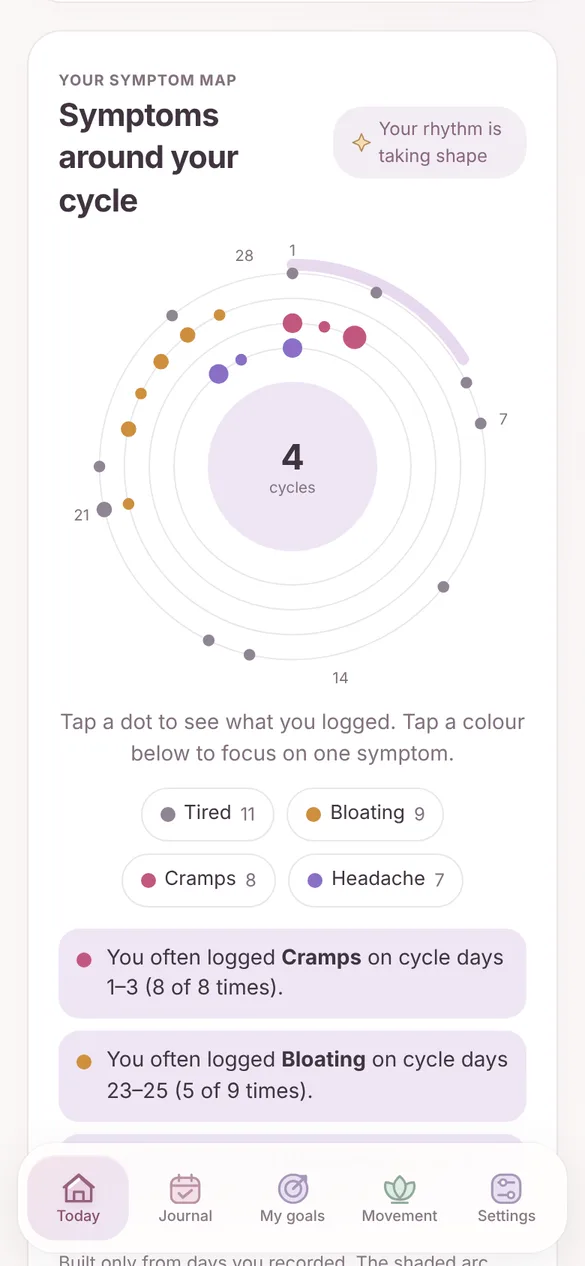
Cycle
- A symptom map of when things tend to happen
- Real start-to-start intervals from your records
- Honest estimates that show how much your cycles vary
Luna is a calm wellness journal for every chapter. No account, no ads and no tracking. Your entries stay on your device, and you can lock them with a passphrase.
Works in any modern browser and installs on your home screen like an app. English and 中文.
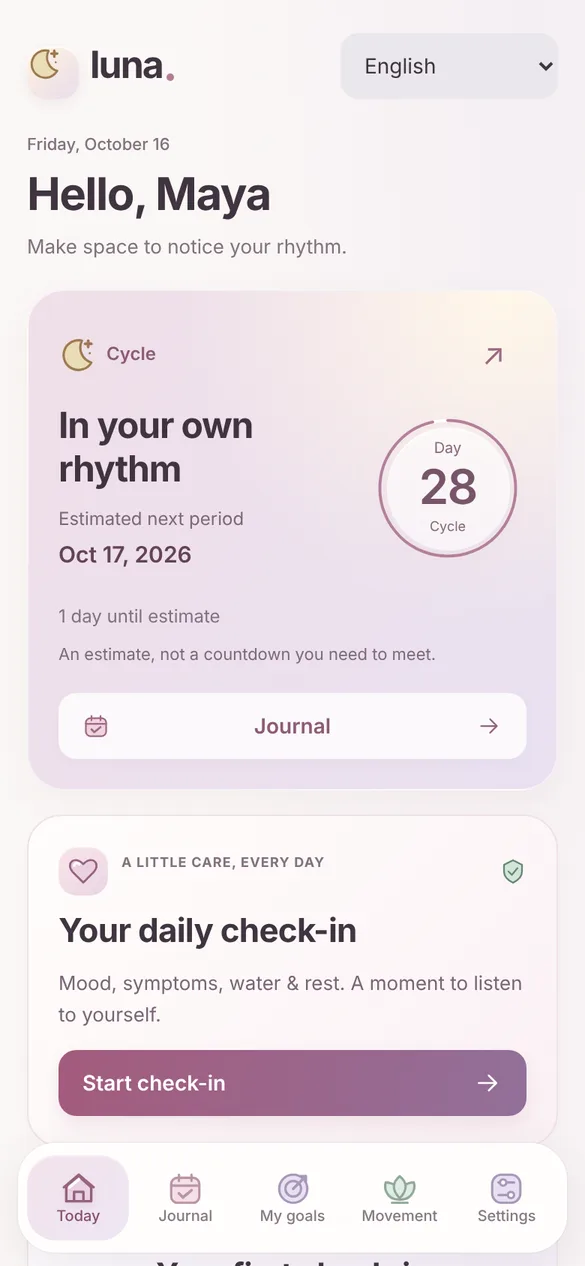
Every cycle is different. Luna learns nothing about you that you didn’t write down, and shows your own pattern as you record it.
Switch chapters whenever life does. Your earlier records stay with you.
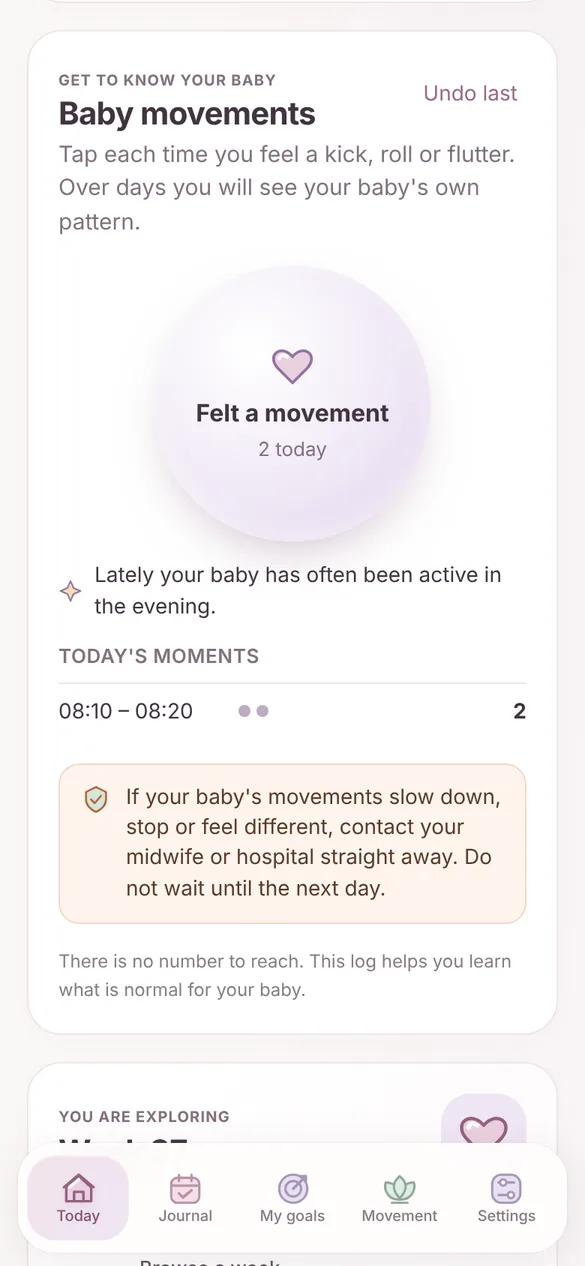
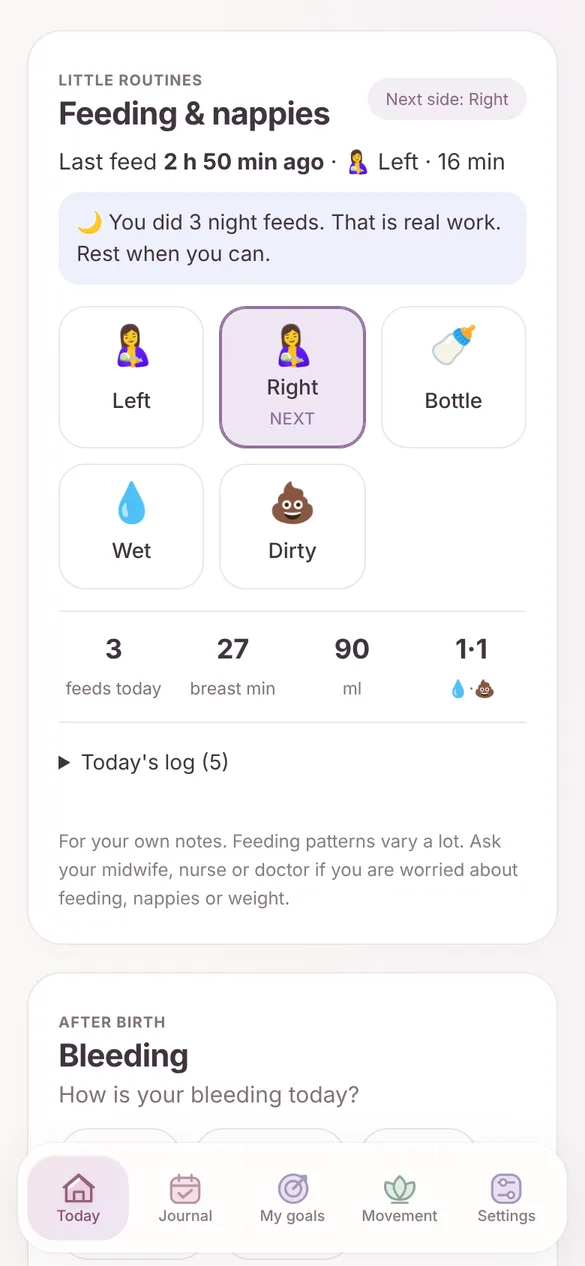
Period and pregnancy records are some of the most personal data there is. Luna is built so that we never have them.
You never sign up or log in. There is no profile of you on any server.
Your journal lives in your browser on your phone. Nothing is uploaded.
Lock Luna with a passphrase. Entries are then encrypted with AES-256 before they are saved.
This site and the app load nothing from advertising or analytics companies.
Changing phones? Export an encrypted backup file and restore it on the new one. Read the privacy policy.
Guided 5–25 minute home workouts, no equipment or one band.
Mood, symptoms, water and sleep in under a minute.
One page of your own records to print or show your doctor.
Every day you log plants something. Missed days never wilt anything.
Milestones from your records, with no streaks to lose.
After the first visit, Luna opens without a connection.
Clear signs for when to call your midwife, doctor or emergency number.
It takes a few seconds and needs no app store.
The care and safety tools are free for everyone, always. Luna Plus adds a few extras and keeps Luna independent.
| What you get | Free | Plus |
|---|---|---|
| Cycle, pregnancy and after-birth tools, with 7 and 30-day history | Yes | Yes |
| Safety information and visit summary | Yes | Yes |
| Encryption and backups | Yes | Yes |
| Luna Move home workouts with a guided player | Yes | Yes |
| Custom trackers for anything you want to follow | – | Yes |
| Deep insights, 90-day views and custom date ranges | – | Yes |
| Baby growth and sleep, with support for twins | – | Yes |
| Sunday letter and editable reflection letters | – | Yes |
| Keepsake week cards in three layouts and styles | – | Yes |
| Flower and garden themes, night and stream soundscapes | – | Yes |
| Customize the Today page | – | Yes |
| Luna Move: build your own workouts, 12-week activity history | – | Yes |
| 180-day visit summaries | – | Yes |
| Price | Free | $14.99 once |
One-time purchase, no subscription. Buy inside Luna under Settings, Luna Plus. Payments are handled by Lemon Squeezy.
No. Luna is a personal journal with general education. It does not diagnose anything. Always follow your doctor or midwife, and in an emergency call your local emergency number.
No. Period estimates can be wrong, especially when cycles vary. Luna does not predict fertile days and must not be used as contraception.
Only in the browser on your device. We don’t have a copy and cannot see it. If you clear your browser data without a backup, your journal is gone.
In Settings, export a backup. Luna asks for a backup password and saves an encrypted file. Open Luna on the new phone and restore that file.
Yes. After Luna has loaded once, it opens and saves without a connection.
Enter the same license key under Settings, Luna Plus. Your key works on a small number of personal devices.